

Workflow Preview
Built around a real billing workspace
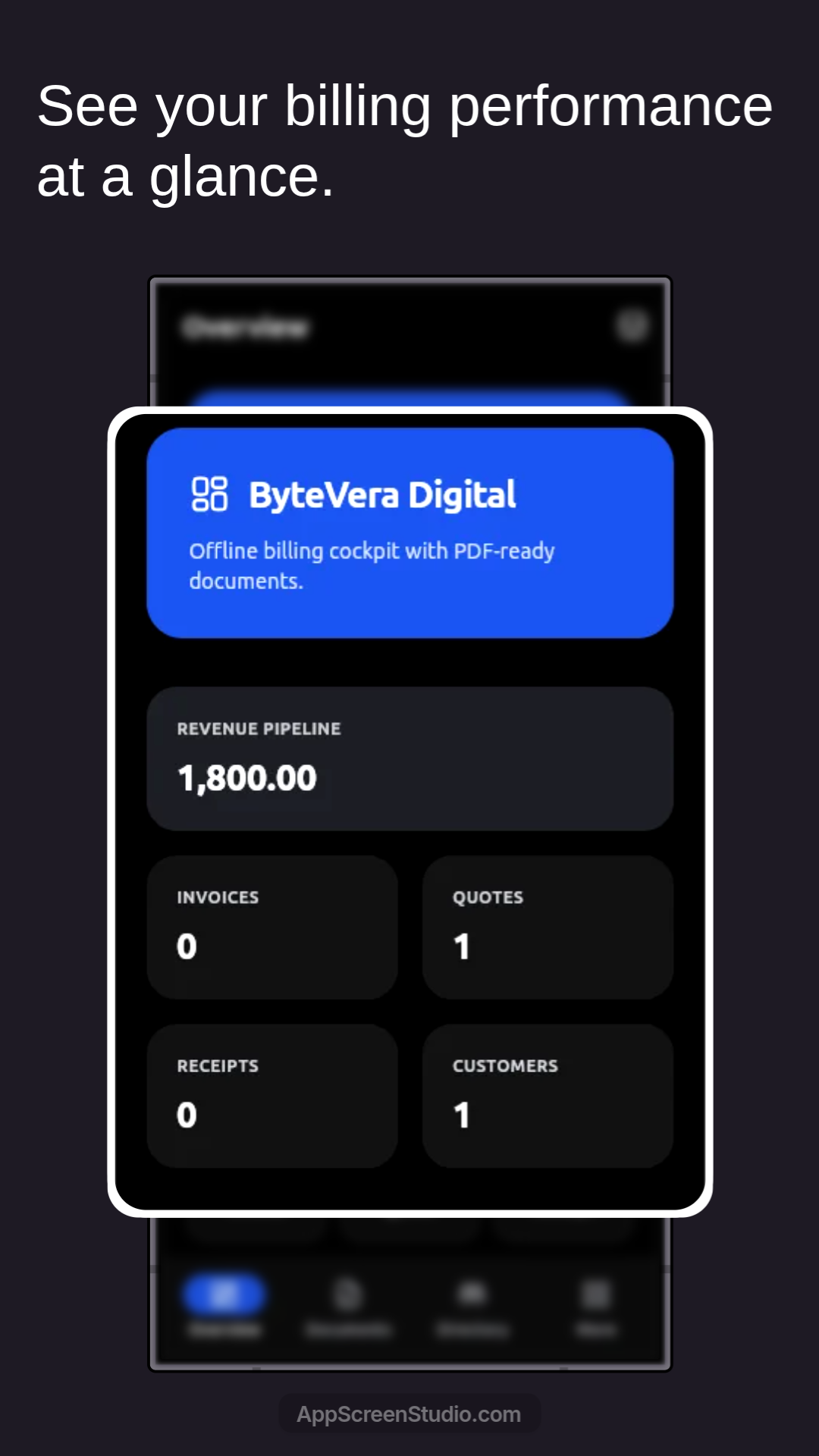
The product experience already covers overview metrics, quotation detail handling, customer and catalog reuse, PDF theme packs, and numbering settings.
Quotation-to-Receipt Workflow
InvoiceFlow keeps the entire billing workflow connected so teams can generate the next document from the previous one in seconds.
Designed for repeatable operations where customer data, item lists, and billing details should stay reusable across the workflow.
Workflow Preview
The product experience already covers overview metrics, quotation detail handling, customer and catalog reuse, PDF theme packs, and numbering settings.
Connected quotation, invoice, and receipt workflow
Reusable customer list for faster repeat billing
Configurable product records for consistent line items
Privacy Policy and Terms available for product review
Each step starts from the document that came before it, so teams spend less time recreating the same business information.
Step 1
Prepare a quotation using saved customers and reusable product entries so common information is already within reach.
Step 2
When the quotation is confirmed, generate the invoice directly from that quotation instead of preparing a fresh document.
Step 3
After payment is made, create the receipt from the invoice so payment records stay connected to the original sale.
These screens show how InvoiceFlow handles dashboard tracking, document generation, reusable directories, theme packs, and operational settings.
Workflow Preview
The overview screen summarizes billing performance at a glance with revenue pipeline totals plus quick counts for invoices, quotes, receipts, and customers.
Workflow Preview
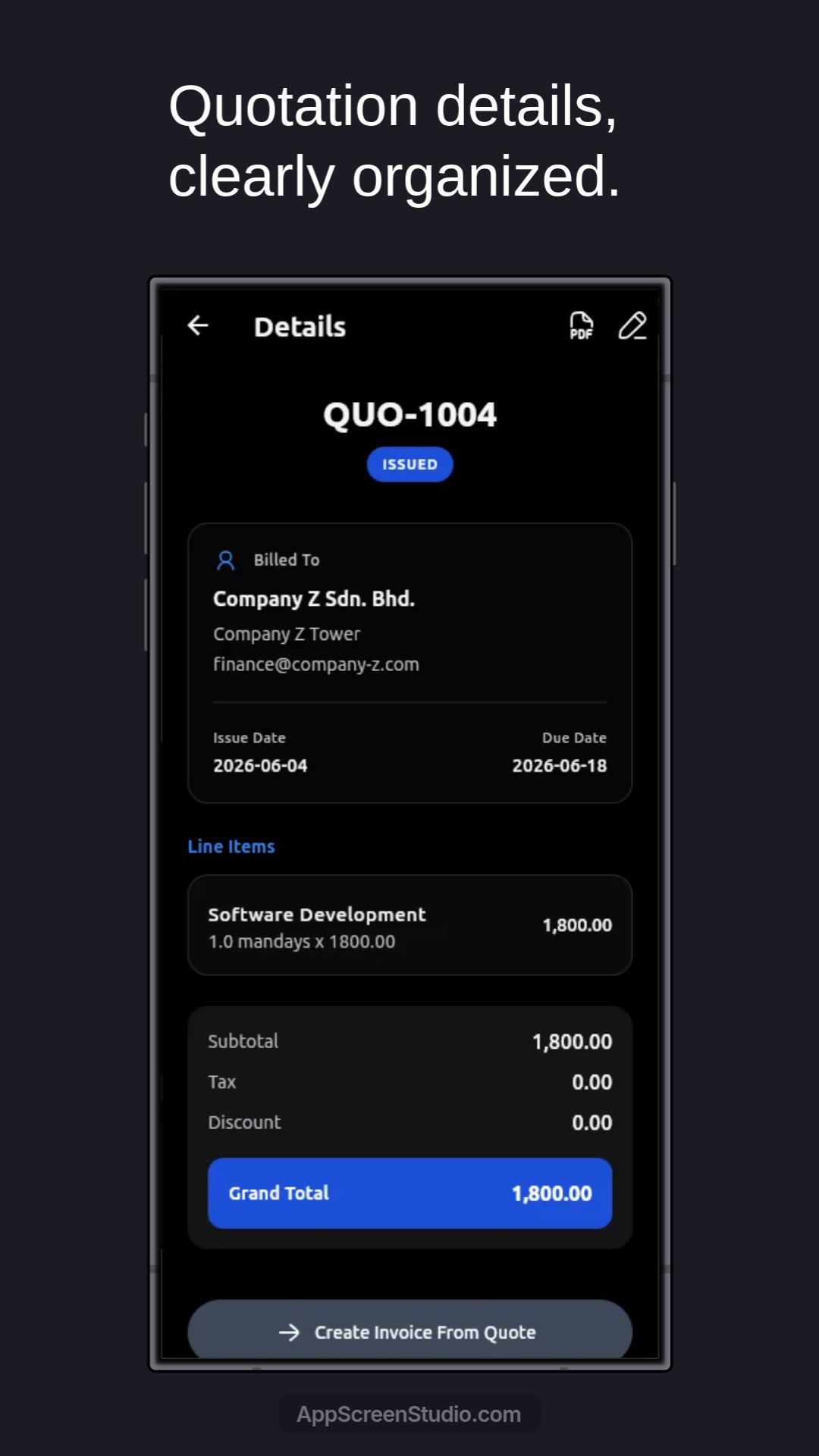
Quotation details are laid out clearly with billed-to information, issue and due dates, line items, totals, PDF actions, and a direct path to generate the invoice.
Workflow Preview
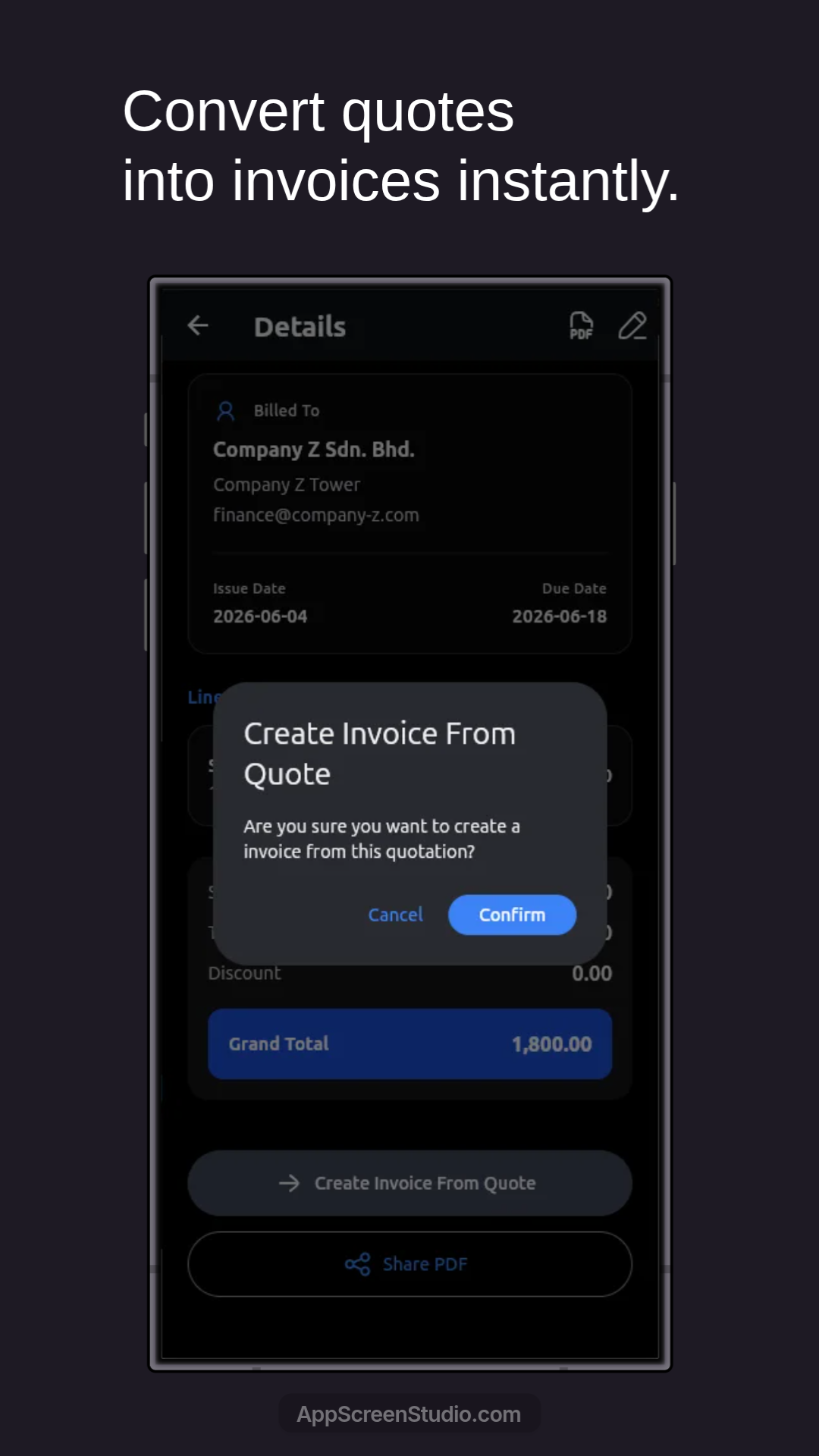
Before conversion, the app asks for confirmation so teams can intentionally move a quotation into the invoice stage without starting over.
Workflow Preview
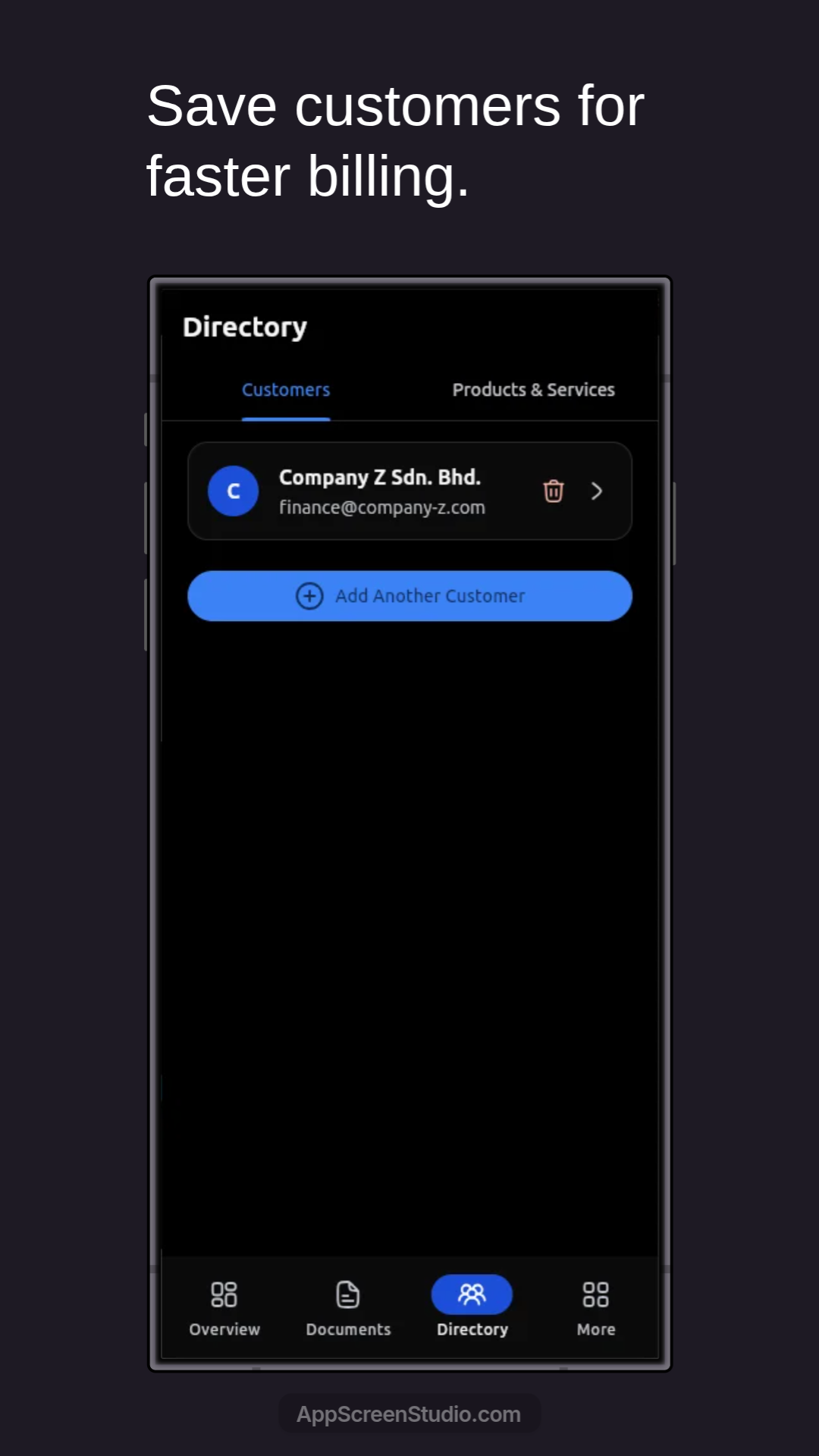
Saved customers live in a dedicated directory tab, making repeat billing faster because contact and billing details can be reused instead of retyped.
Workflow Preview
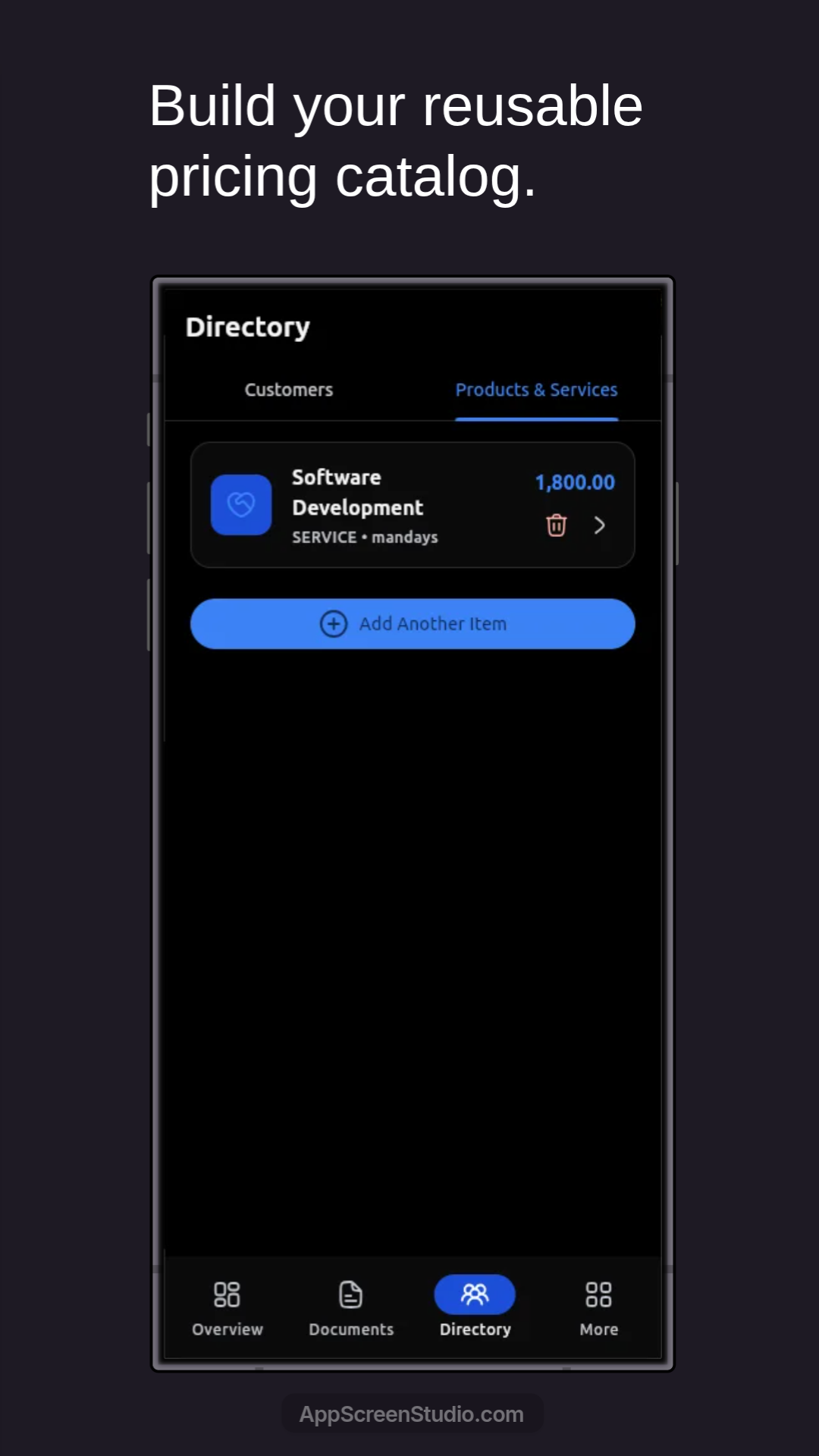
Products and services are stored in a reusable pricing catalog with item names, types, and amounts ready to be pulled into future documents.
Workflow Preview
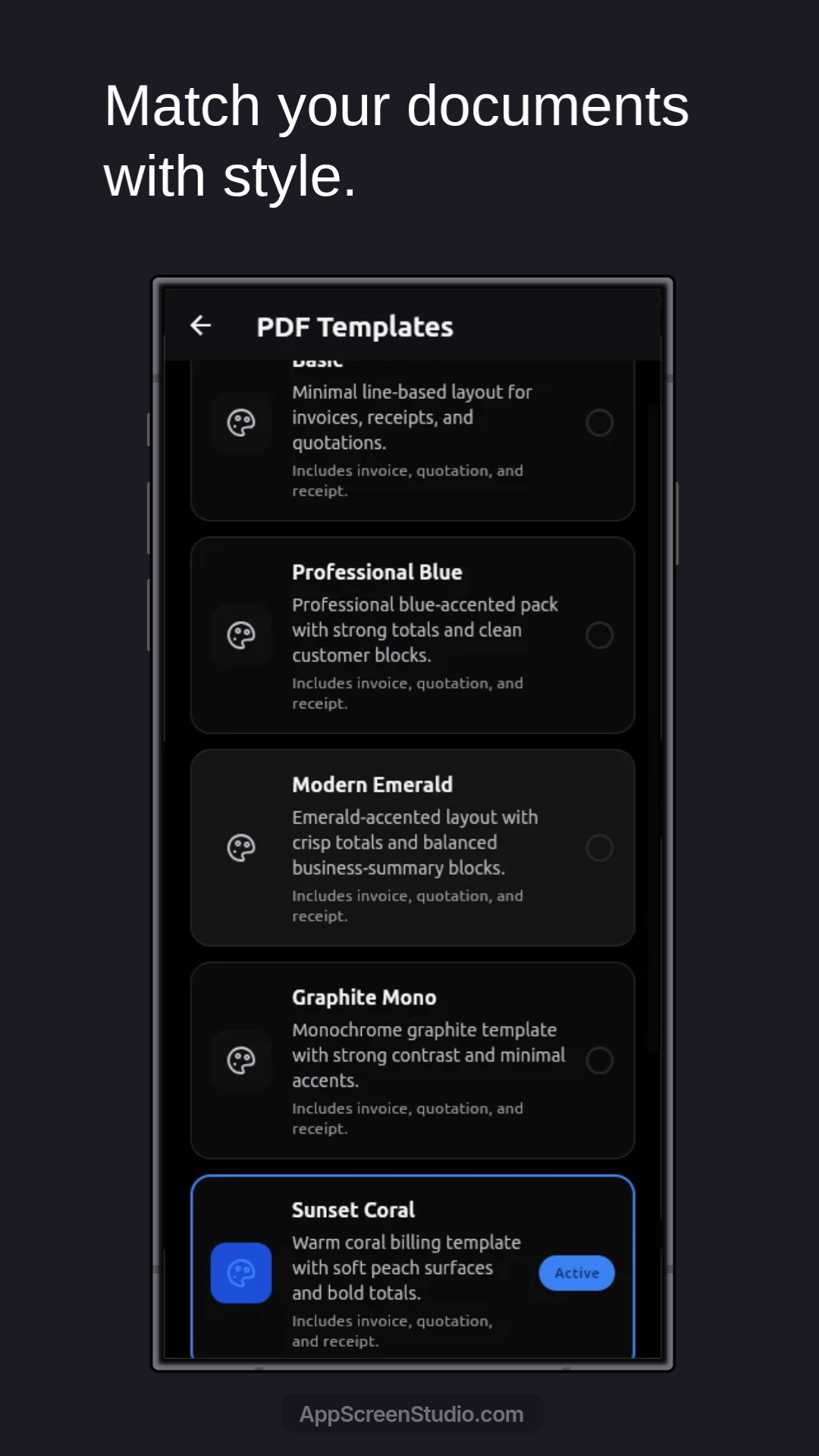
InvoiceFlow includes multiple PDF-ready themes so quotations, invoices, and receipts can share a presentation style that matches the business.
Workflow Preview
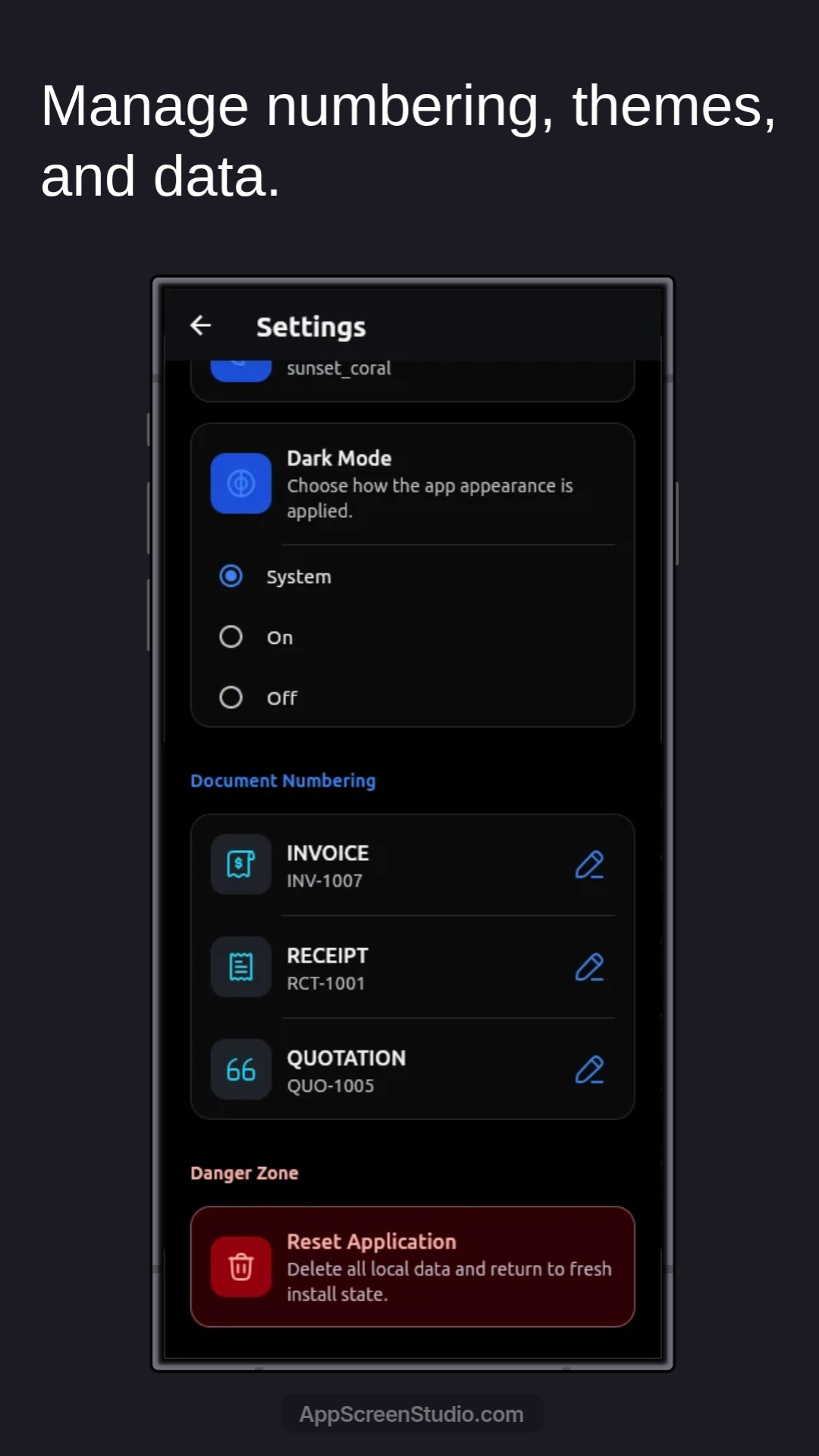
The settings screen covers appearance, document numbering for invoices, receipts, and quotations, plus data reset controls for operational maintenance.
InvoiceFlow focuses on reducing repeated data entry while keeping routine document preparation straightforward.
Store customers once and reuse them whenever new quotations or invoices are created.
Maintain product and service details in one place so line items stay faster to add and easier to standardize.
Carry document details forward from quotation to invoice without re-entering the same business data.
Generate a receipt directly from the invoice once payment has been completed.