

Actual App Screenshot
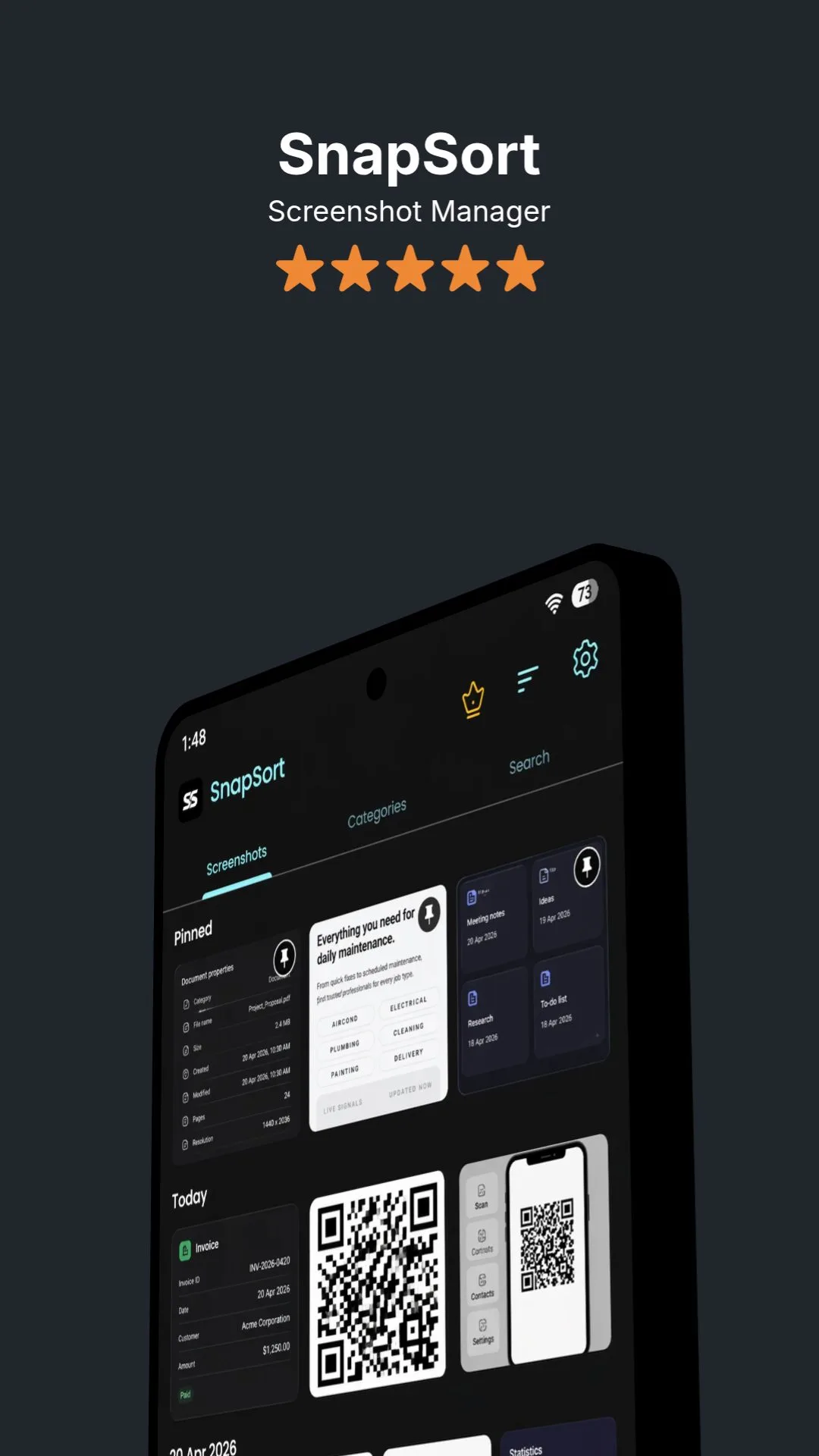
Smart Timeline
Privacy-First Screenshot Organizer
SnapSort scans, reads, categorizes, and searches screenshots directly on your device.
Built for people with overflowing galleries who want instant order without giving up control.

Actual App Screenshot
Local-first processing
No mandatory cloud upload for core organization features
Processed metadata and settings are stored locally on your device.
Privacy Policy and Terms available in-app
Explore how SnapSort turns messy screenshot galleries into a clean, searchable, and easy-to-manage workspace.
Actual App Screenshot
See every screenshot in a clear timeline and pin your most important snapshots so they always stay at the top for quick access.
Actual App Screenshot
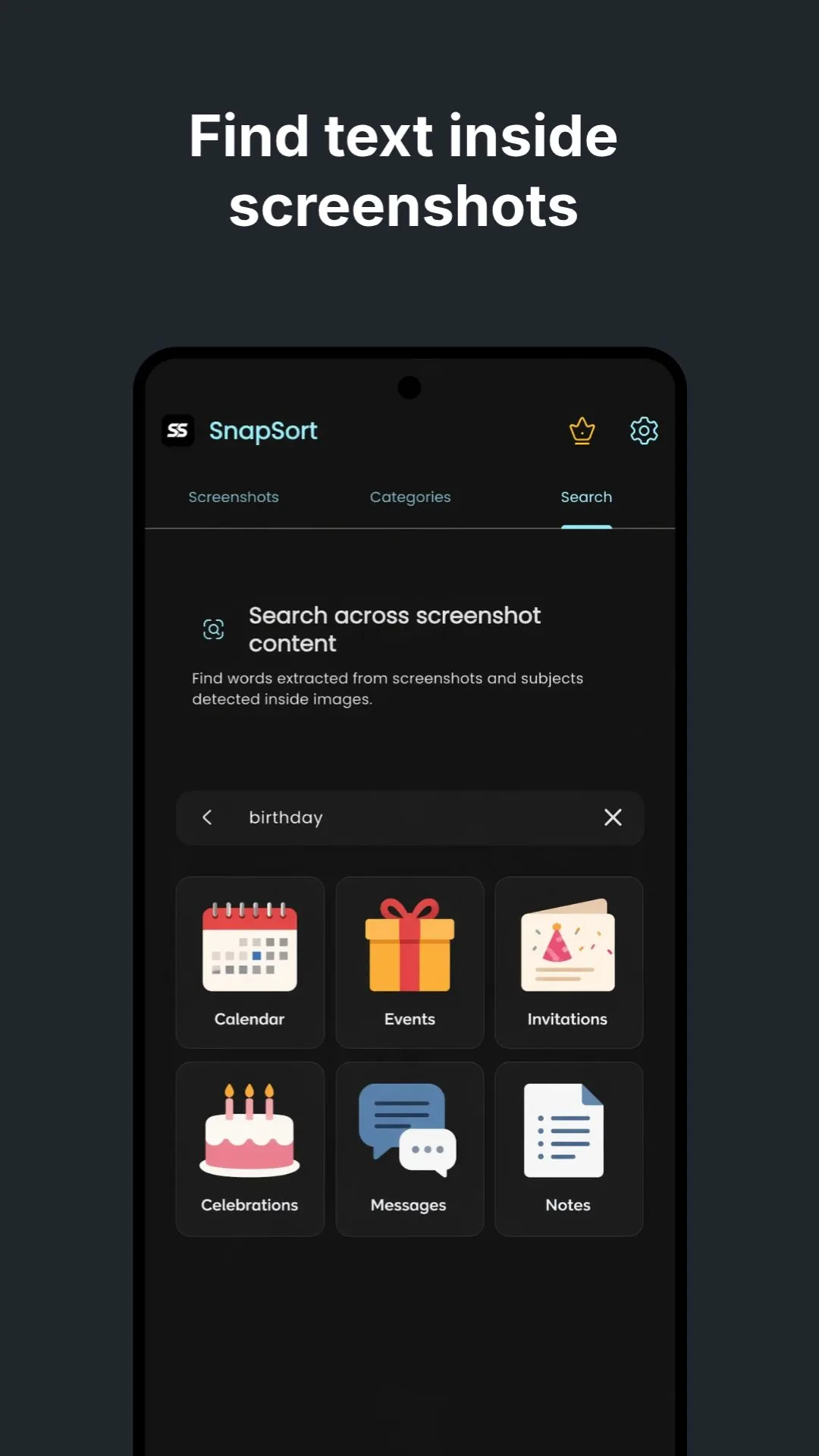
Search for words inside your screenshots and jump straight to the exact image you need, even when your gallery is packed.
Actual App Screenshot
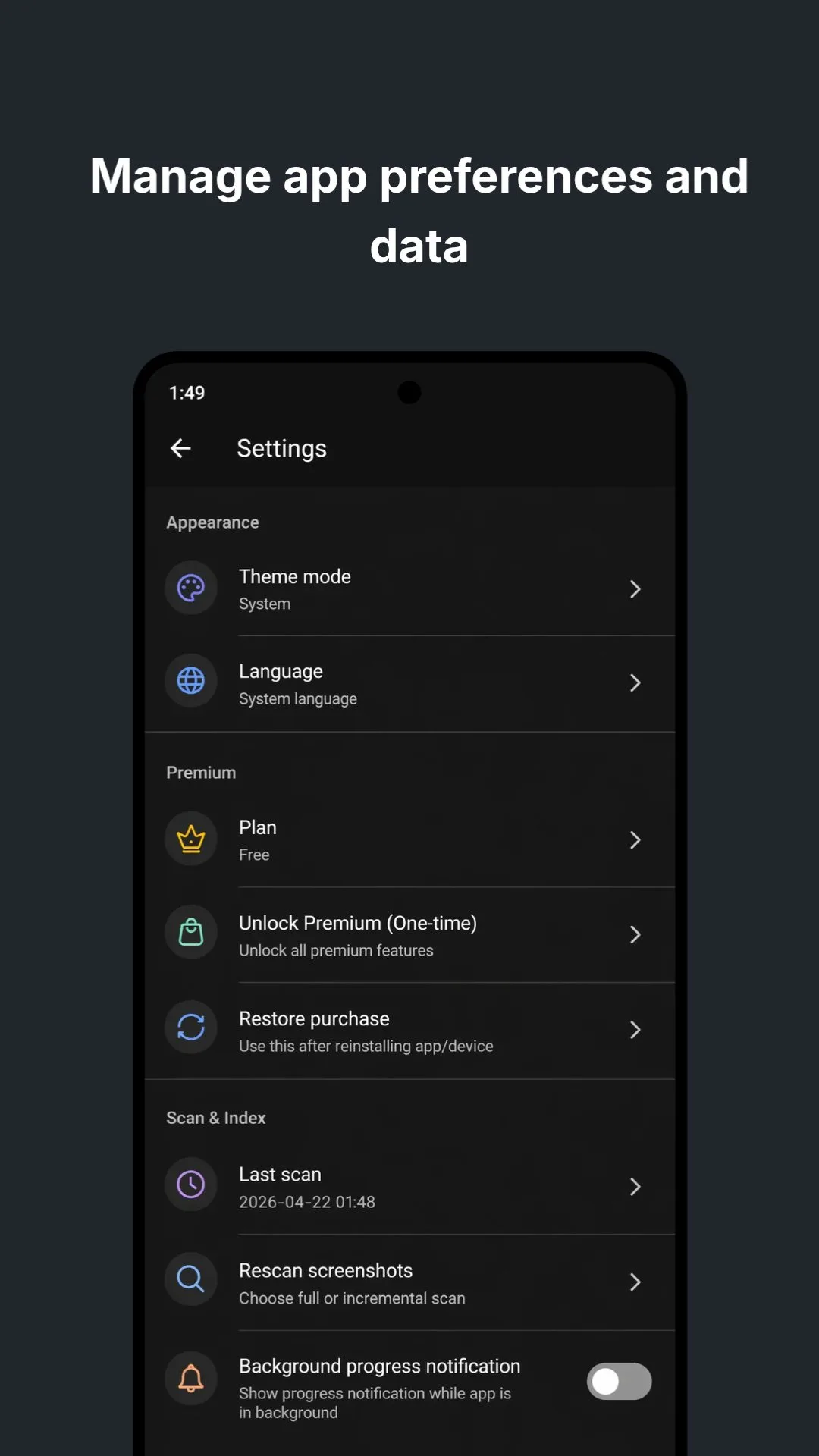
Manage app settings and data your way, with support for dark mode, multiple languages, and one-tap screenshot rescanning.
Actual App Screenshot
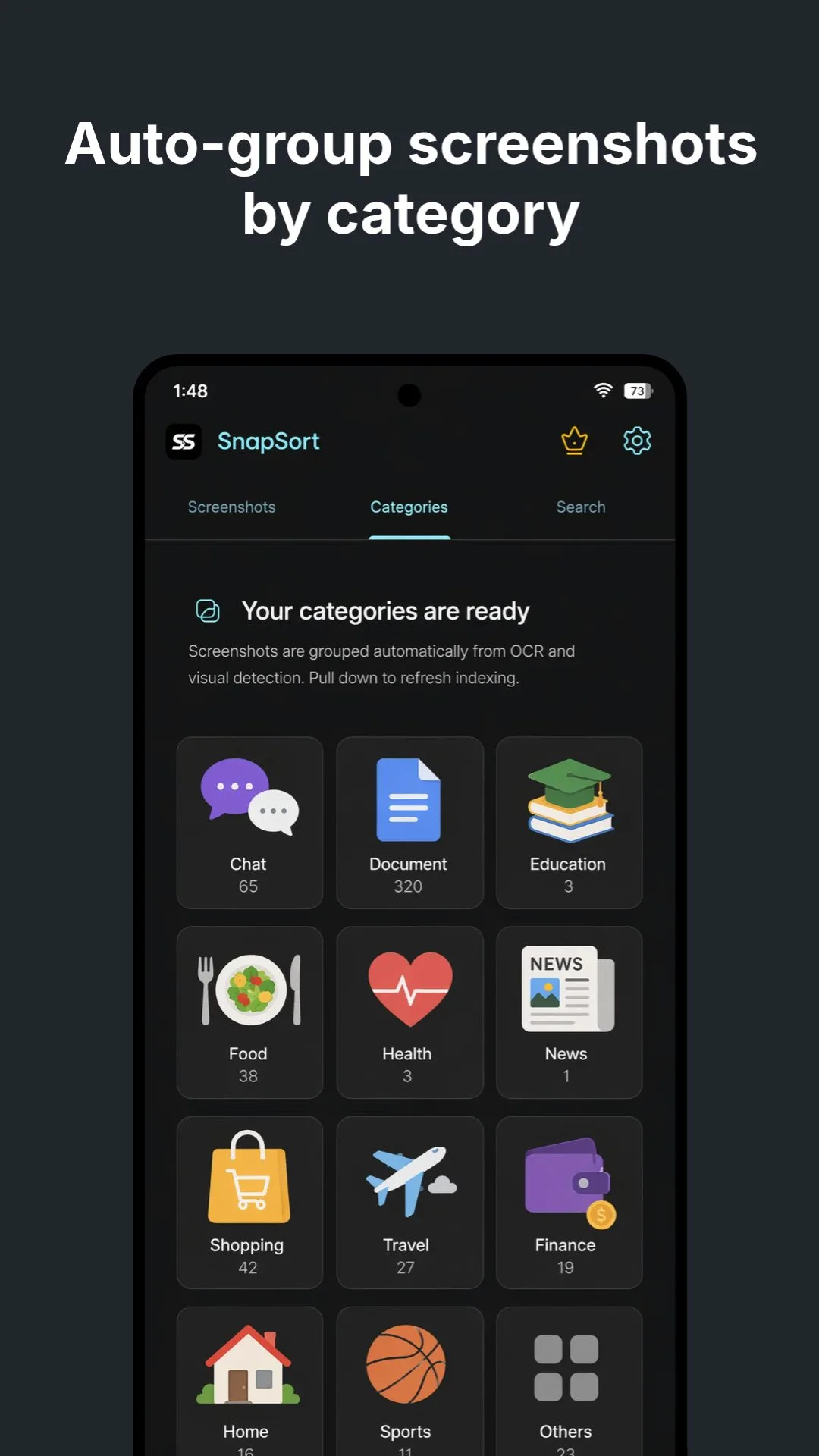
SnapSort automatically groups screenshots by category, helping you browse related content faster without manual sorting.
Actual App Screenshot
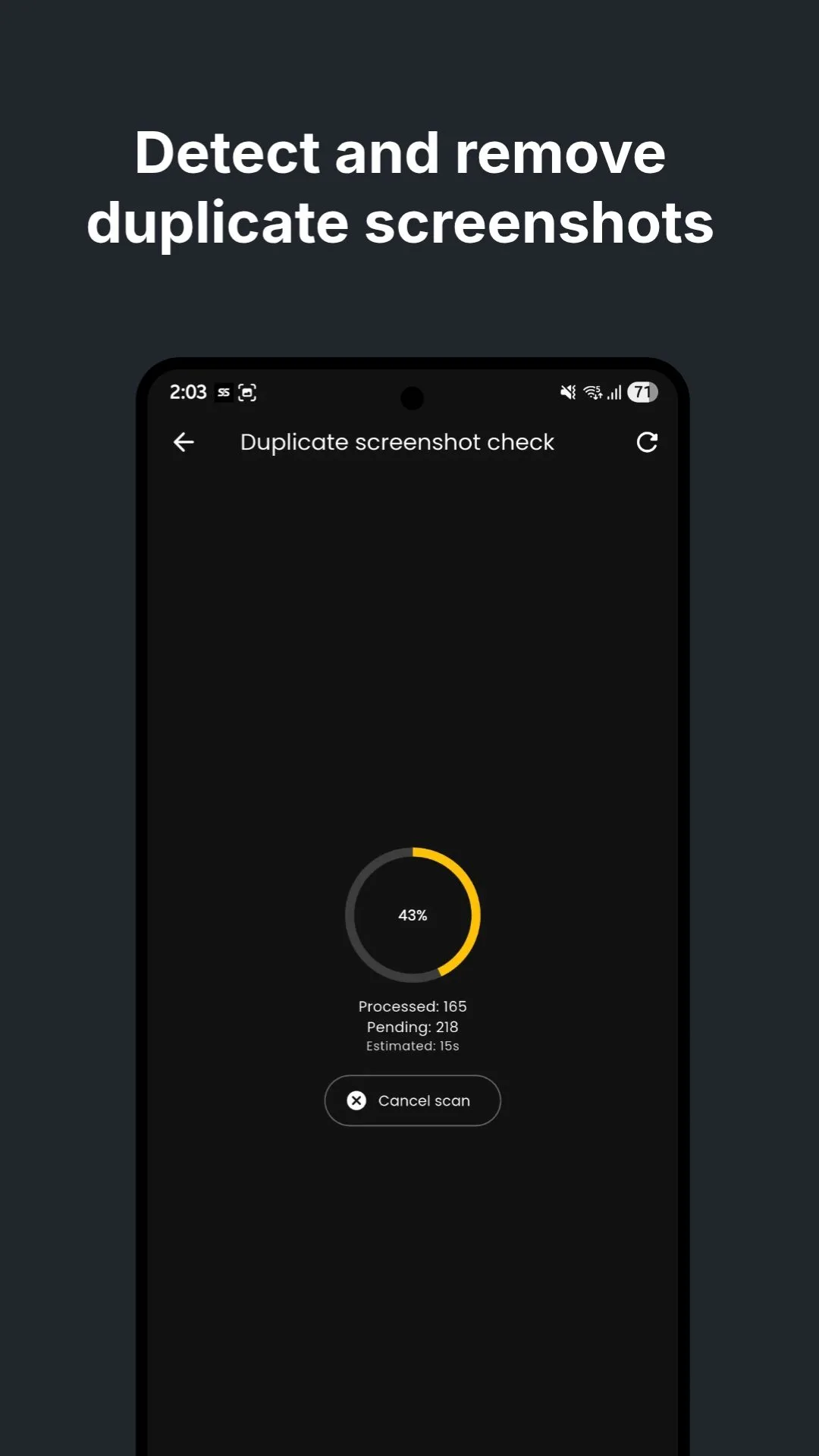
Detect duplicate screenshots in seconds and remove clutter safely, so your storage stays clean and your gallery stays organized.
Actual App Screenshot
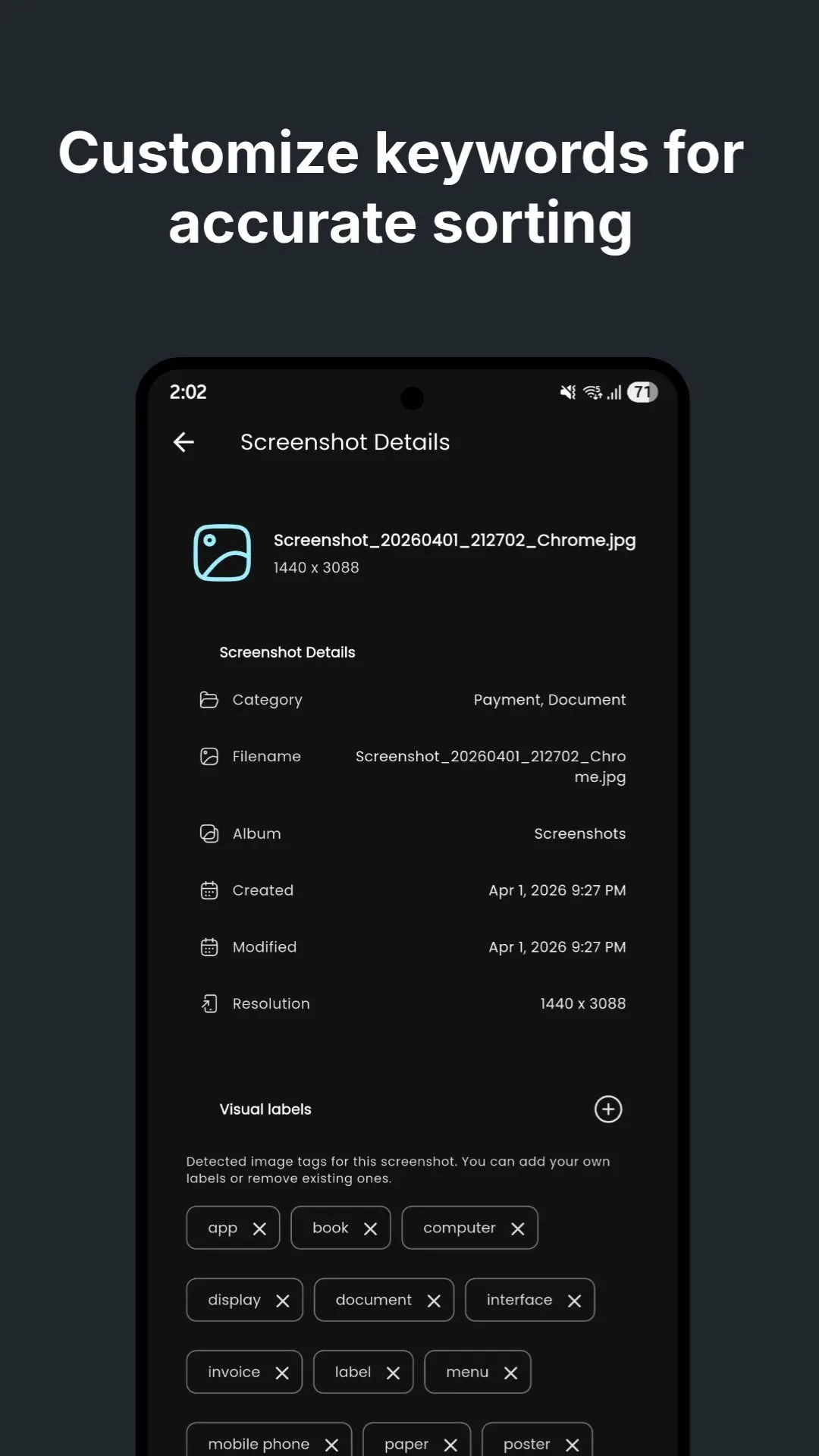
Create your own keywords to fine-tune sorting behavior and make categorization even more accurate for your personal workflow.
Actual App Screenshot
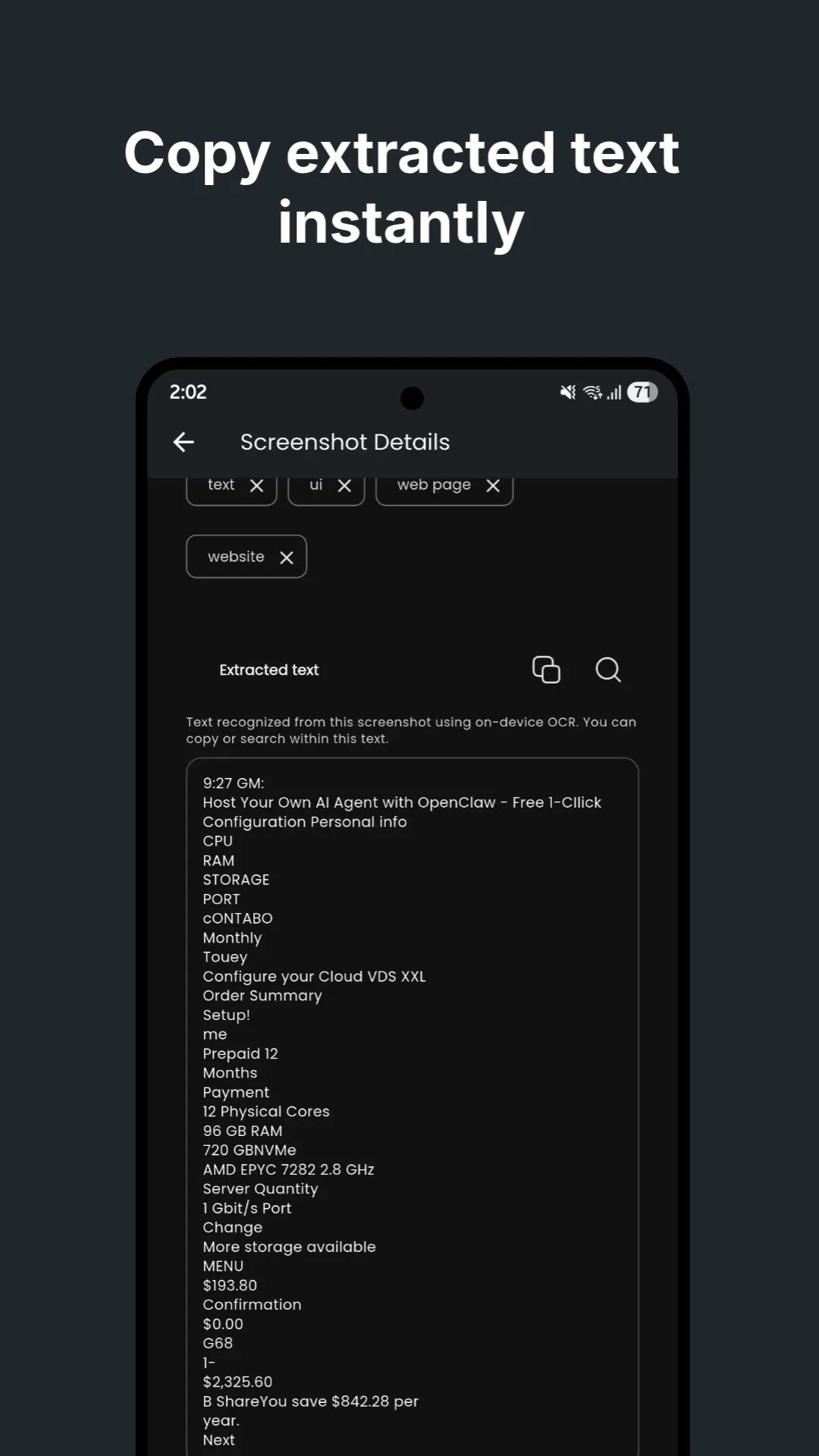
Extract text from screenshots and copy it instantly, making it easy to reuse notes, links, receipts, and important details.
SnapSort requests only what is needed for core workflows.
Used to scan screenshots and organize gallery content.
Used for background scan progress and status updates.
Used for app lock with biometric or device credential/PIN flow.