

Actual App Screenshot
Your clipboard journey starts here.
Android Clipboard Manager
Save every copied text and open it instantly when you need it.
Built for fast daily use with floating bubble access, quick edits, and flexible retention.
Actual App Screenshot
Save unlimited clipboard history
Open overlay from anywhere with floating bubble
Edit or delete copied text in seconds
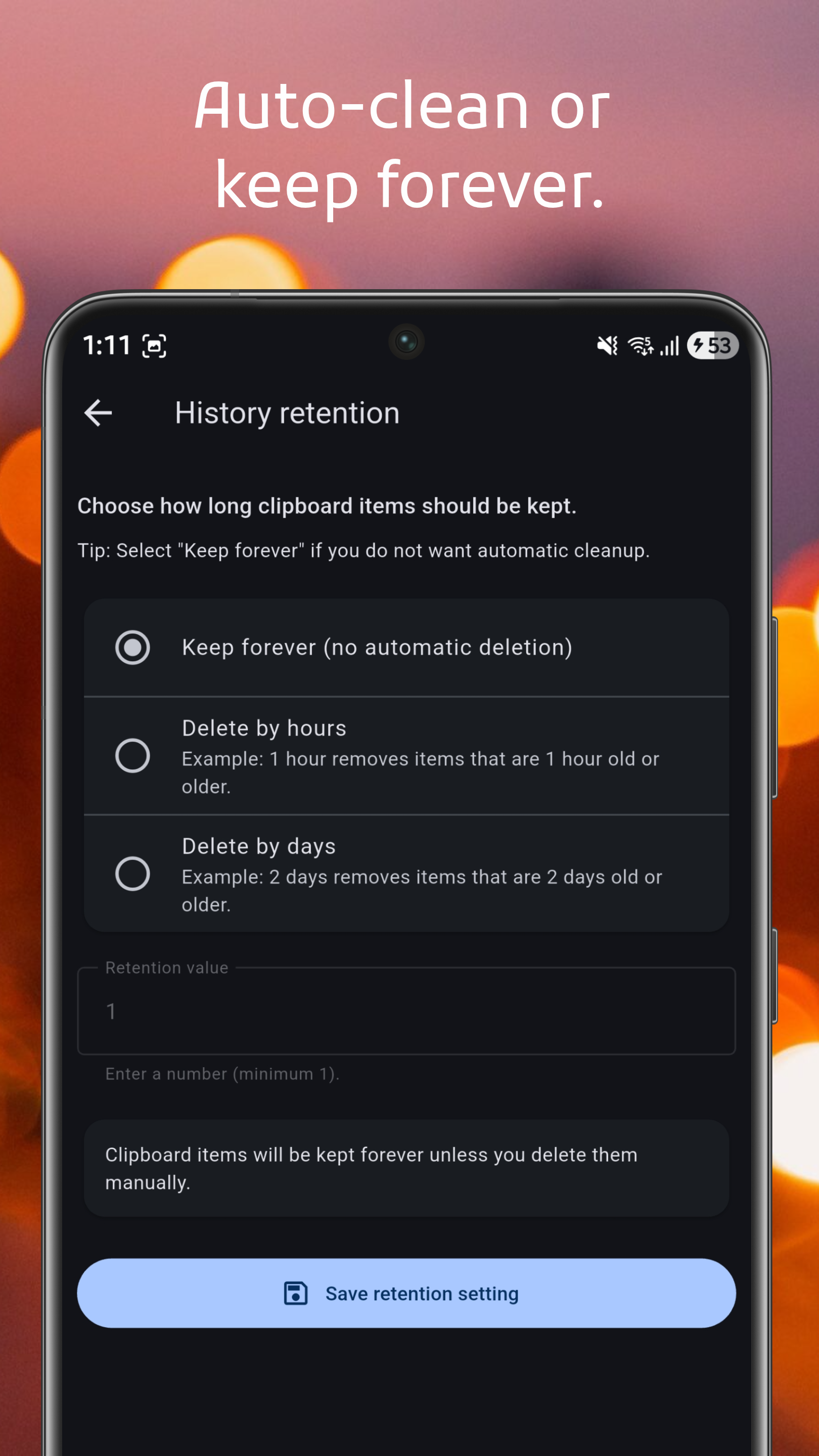
Set retention to auto-clean or keep forever
Real screens that show how ClipVault helps you capture, access, and manage clipboard history across apps.
Actual App Screenshot
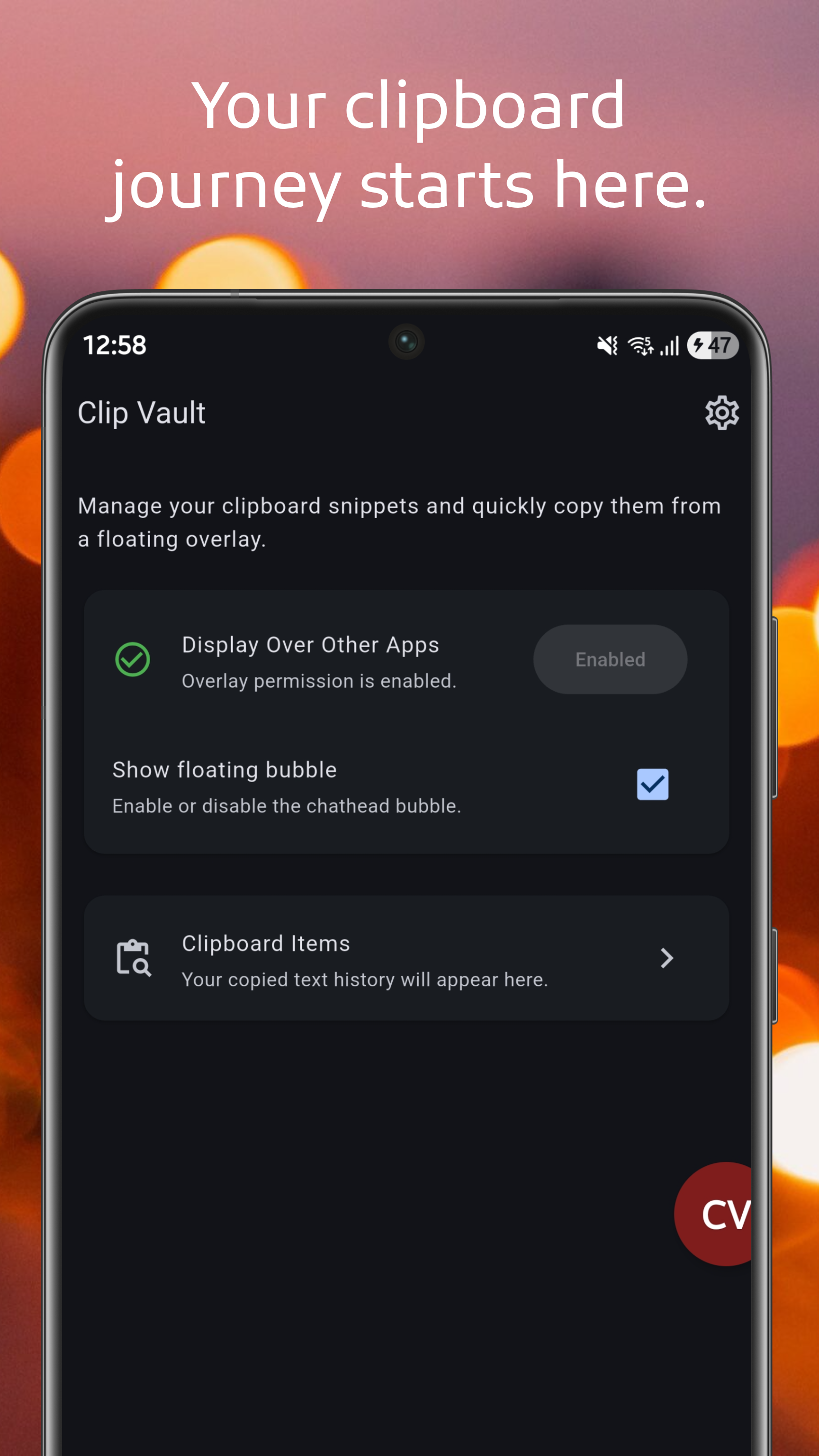
The main screen gives quick access to settings, display-over-apps permission, floating bubble toggle, and your full clipboard list.
Actual App Screenshot
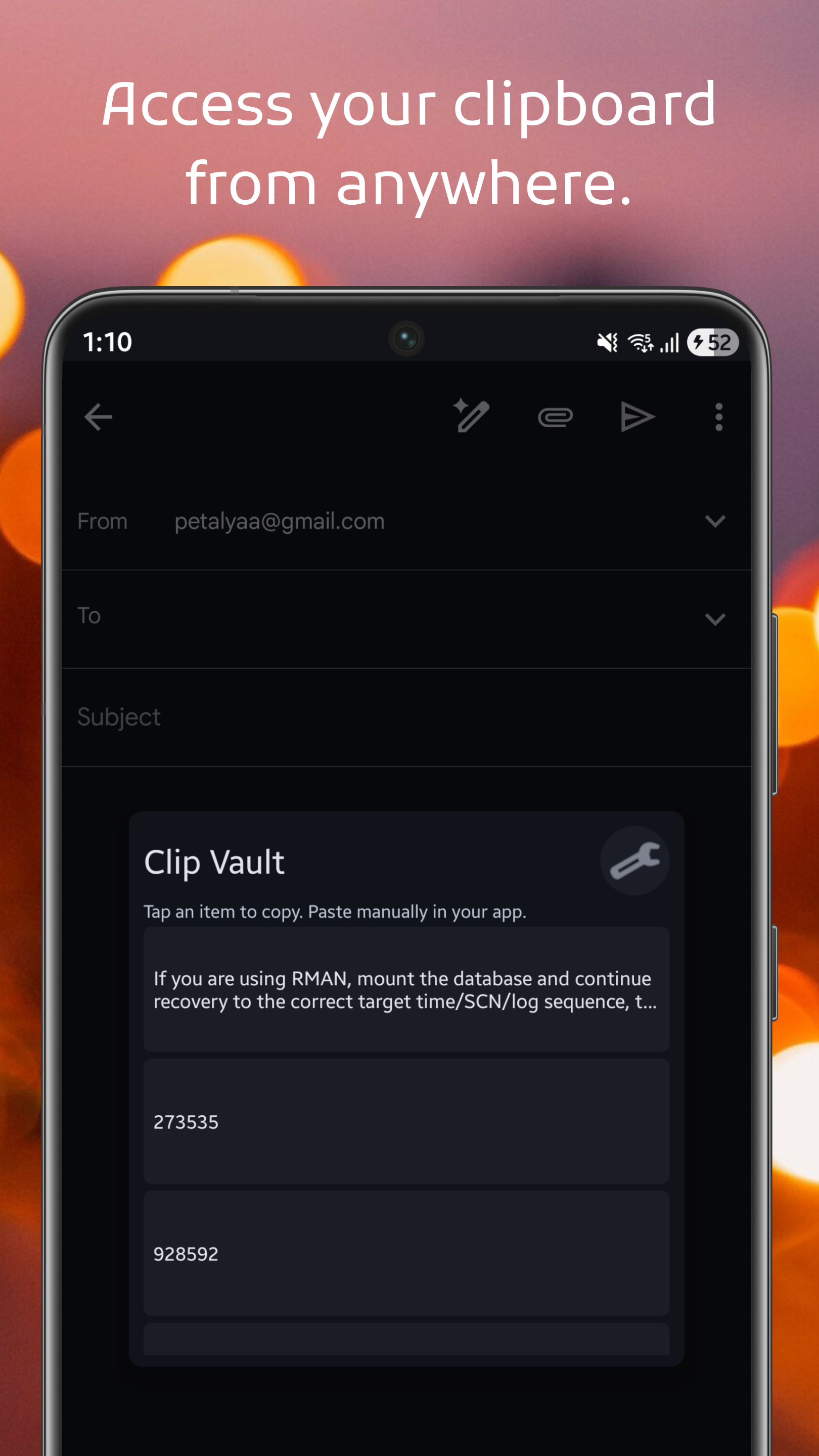
Open ClipVault overlay from the floating edge bubble and pick any saved clipboard item without leaving your current app.
Actual App Screenshot
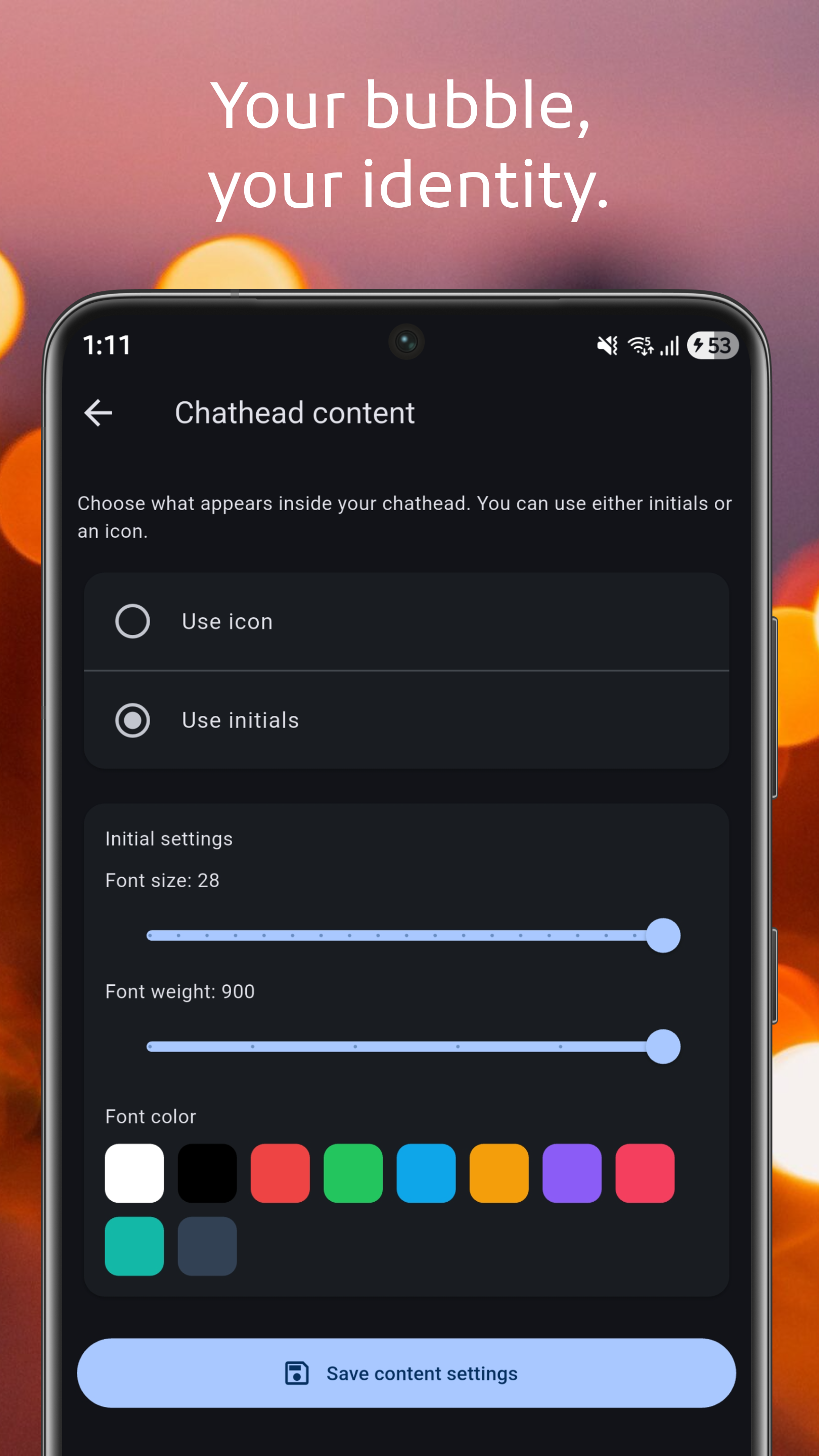
Personalize the floating bubble with your preferred color, size, position, and style, including icon or text content.
Actual App Screenshot
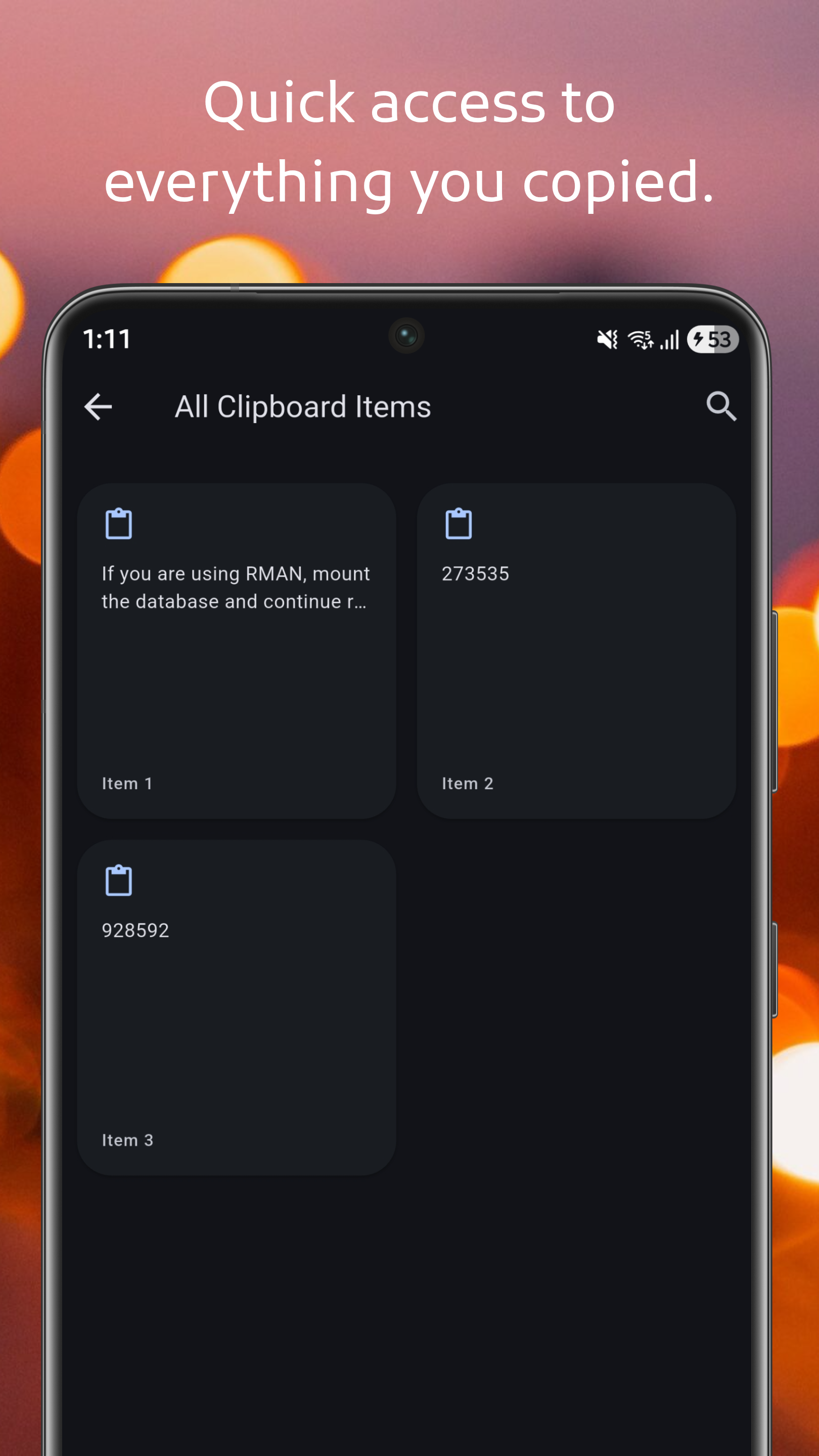
Review all copied items in one place, then edit or delete entries to keep clean text when you copied extra spaces or unwanted parts.
Actual App Screenshot
Choose your retention policy: never expire items, or auto-delete by hour or day to match your workflow.
Used only to show the floating bubble so you can open ClipVault while using other apps.